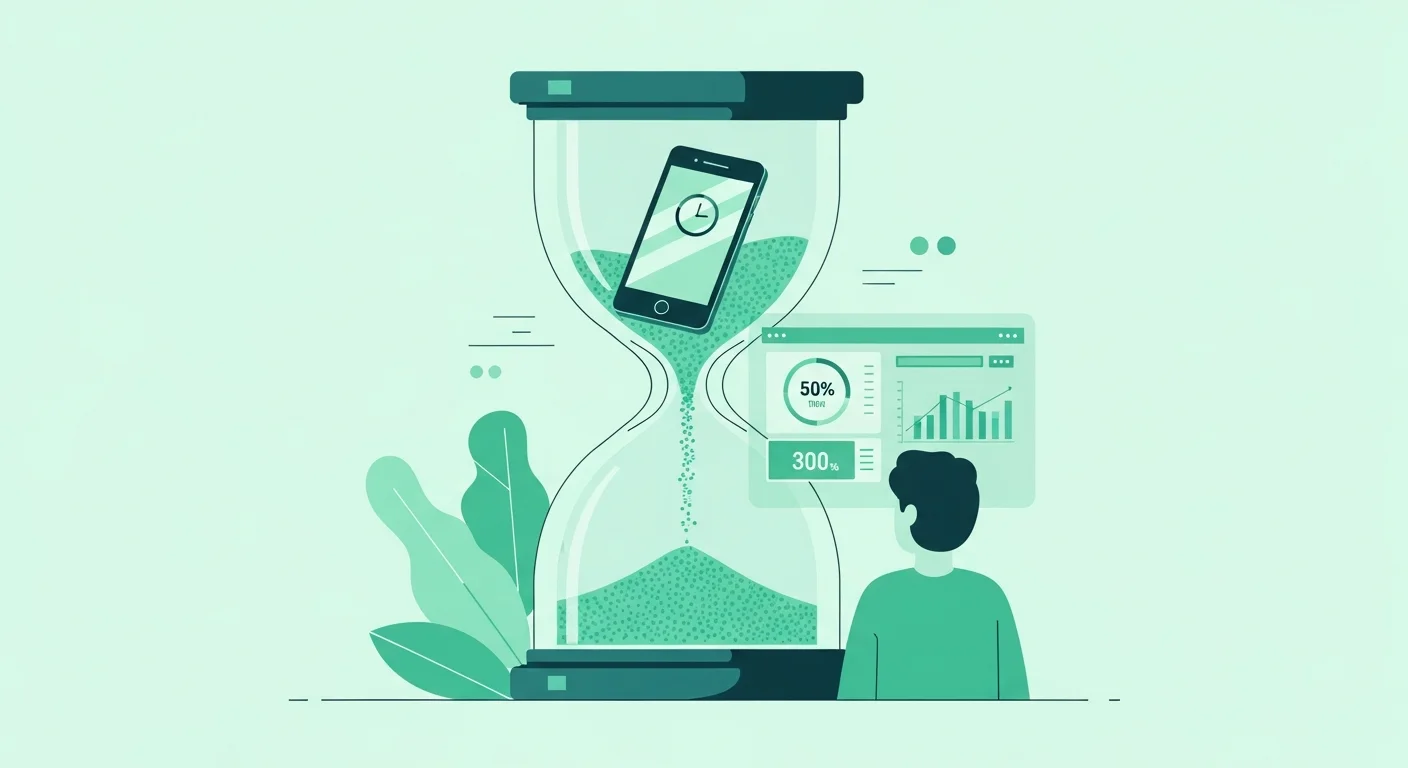
Let's be honest, your phone knows more about you than your best friend does. It knows when you wake up, what you obsess over at 2 AM, and exactly how many hours you've spent watching videos of people making tiny food. If that thought makes you slightly uncomfortable, welcome to the club. Screen time management isn't about becoming a digital monk, it's about taking back control from devices that have gotten a little too comfortable running your life.
What Comprehensive Strategies Control Daily Screen Usage Effectively?
The secret to screen usage guide success isn't willpower alone, it's strategy. I've learned this the hard way after countless failed attempts at "just using my phone less." What actually works is creating a system that removes friction from good habits and adds it to bad ones. Start by auditing your current usage honestly. Most smartphones have built-in analytics that'll show you the brutal truth about where your time actually goes. Spoiler alert: it's probably not where you think.
Once you know your patterns, implement the "zones and times" approach. Designate specific areas in your home as phone-free zones like the bedroom, dining table, or that cozy reading corner you never use because you're always scrolling. Pair this with time-based boundaries. Maybe no screens during the first hour after waking up or the last hour before bed. These aren't rigid rules; they're guardrails that keep you on track. The beauty of comprehensive screen time management is that it adapts to your lifestyle rather than demanding you overhaul everything overnight. Small, consistent changes compound into massive shifts over weeks and months.
How Do You Build Habits for Optimal Device Time Oversight?
Building lasting habits for smartphone screen control requires understanding how your brain actually works. Habits form through a simple loop: cue, routine, reward. Your phone buzzes (cue), you check it (routine), you get a hit of dopamine from a notification (reward). To break this cycle, you need to interrupt it strategically. Turn off non-essential notifications first, this removes dozens of cues throughout your day. Replace the checking routine with something else. When you feel the urge to scroll, do ten pushups, drink water, or step outside for sixty seconds.
The device time tracker features on your phone aren't just for guilt trips, they're accountability partners. Set daily limits on your most problematic apps and actually honor them when the timer runs out. Here's a trick that changed everything for me: I started treating my phone usage like a budget. You wouldn't blow your entire monthly salary in one weekend, right? Same principle applies here. Allocate your screen time intentionally to things that genuinely add value like video calls with friends, learning something new, or managing your life admin. Everything else is impulse spending that leaves you feeling broke and empty.
Which Tools and Techniques Master Smartphone Screen Limits?
Let's talk about your digital toolkit for tech time management mastery. Built-in features like Apple's Screen Time or Android's Digital Wellbeing are your first line of defense. These track usage patterns, set app limits, and even schedule downtime when only essential functions work. But don't stop there. Third-party apps like Freedom, Forest, or Opal take things further by blocking distracting sites, gamifying focus time, or creating consequences for breaking your own rules.
Essential Screen Time Management Tools:
| Tool Type | Best For | Key Feature |
|---|---|---|
| Built-in OS Features | Basic tracking & limits | Free, integrated, reliable |
| App Blockers | Eliminating distractions | Scheduled blocking, website filters |
| Focus Timers | Deep work sessions | Pomodoro technique, ambient sounds |
| Habit Trackers | Building consistency | Streak counting, visual progress |
Beyond apps, physical techniques work wonders. Try the "phone goes in another room" method during focused work or quality time with loved ones. Get an actual alarm clock so your phone isn't your first and last interaction each day. Use grayscale mode to make your screen less visually appealing, you'd be amazed how much less tempting Instagram becomes when it's all gray. These screen limit strategies create tangible barriers between you and mindless scrolling.
What Full Guide Helps Tame Excessive Digital Screen Exposure?
The complete beginner's guide to screen time management starts with realistic goal-setting. Don't aim to cut your usage from eight hours to one hour overnight, that's setting yourself up for failure and frustration. Instead, reduce by 15-30 minutes per week. Track what you're gaining in that reclaimed time whether it's better sleep, finished books, actual conversations, or just feeling less scattered. This positive reinforcement makes the changes stick.
Create a personalized screen usage guide based on your specific pain points. If mornings are your weakness, focus there first. If you can't stop checking work emails about hours, establish hard boundaries with colleagues and yourself. The ultimate guide to balancing work and screen time habits acknowledges that some screen time is necessary and productive. The goal isn't zero screens; it's intentional screens. Work emails during work hours? Fine. Instagram at midnight when you have a presentation tomorrow? Not fine.
How Can Beginners Excel at Managing Screen Habits Long-Term?
Long-term screen time management success comes down to three things: consistency, flexibility, and self-compassion. You'll have days where you fall off the wagon completely, binging Netflix for six hours straight or doom-scrolling news until your eyes hurt. That's human. The difference between someone who masters screen habit management and someone who doesn't isn't perfection, it's getting back on track the next day without the guilt spiral.
Advanced techniques for daily screen usage mastery include regular check-ins with yourself. Every month, review your stats and adjust your strategies. What's working? What isn't? Maybe you've conquered social media but now online shopping is your new vice. Stay adaptable. Also, find an accountability partner. Share your goals with someone who'll check in on you without judgment. Sometimes just knowing someone might ask about your progress is enough to keep you honest.
The long-term screen time management success roadmap isn't linear, it's more like a spiral where you keep circling back to the same challenges but at a higher level of awareness and skill each time. Celebrate small wins. Notice how much more present you feel. Pay attention to improved sleep, reduced anxiety, or deeper connections with people around you. These are the real rewards of digital time mastery.
Your Screen Time, Your Rules
Mastering screen time management isn't about deprivation or becoming technophobic. It's about designing a relationship with technology that serves your goals, values, and wellbeing. Start today with one small change, just one. Turn off notifications. Set a bedtime for your devices. Delete your most time-sucking app. Whatever feels doable right now, do that. Tomorrow, do it again. That's how mastery happens, one conscious choice at a time, compounding into a life where you control your screens instead of them controlling you.
Ready to reclaim your time? Your future self is already thanking you.