So here's a funny paradox: you're looking for an app to help you use your phone less. I know, I know. It's like hiring a personal trainer who lives in your fridge. But stick with me here, because using technology to fight technology addiction actually works surprisingly well.
I'll never forget the day I checked my screen time report and saw "8 hours, 43 minutes" staring back at me. Eight hours. That's a full workday spent scrolling, tapping, and refreshing apps I couldn't even remember opening. My first thought was denial. Surely that's broken. My second thought? I need help, and I need it now.
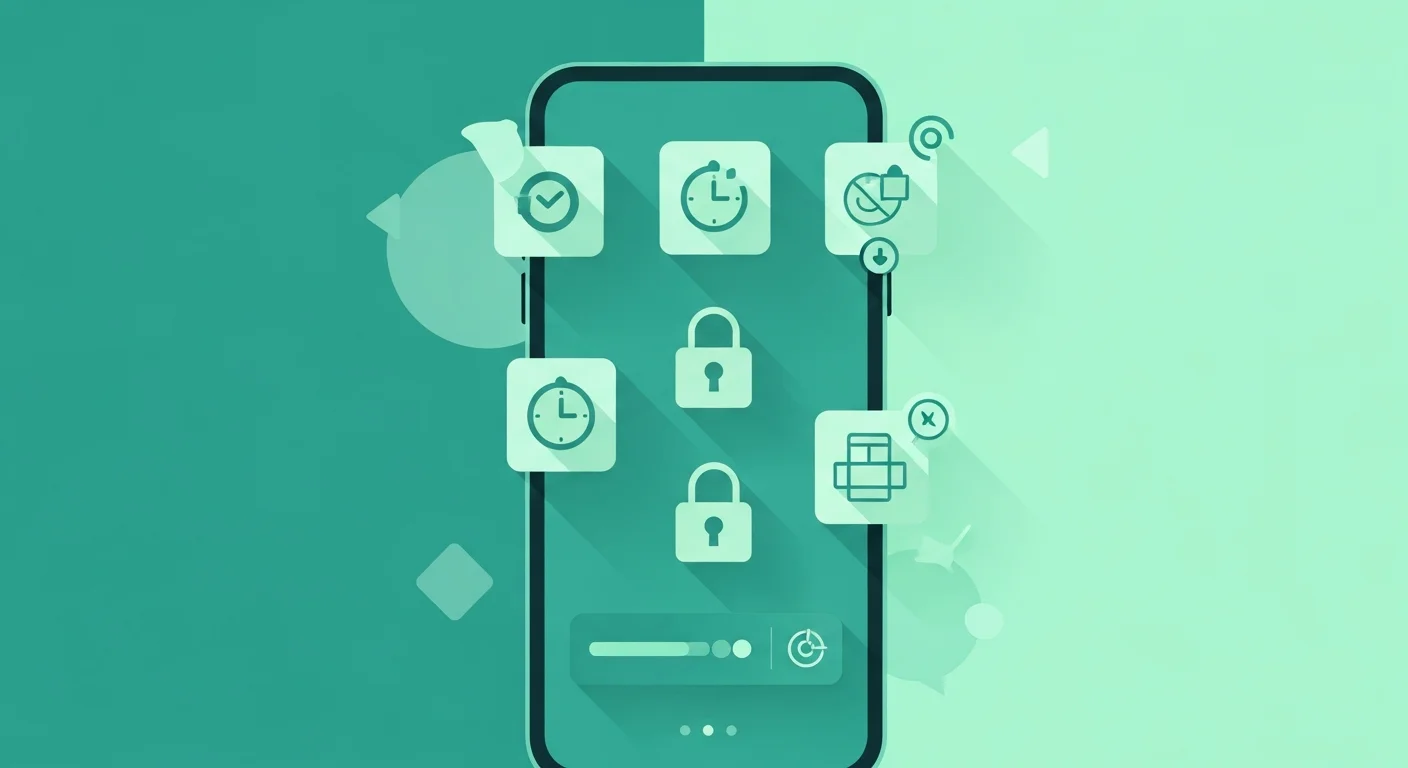
The truth is, willpower alone rarely beats Phone Overuse because your device is engineered by some of the smartest people on the planet specifically to keep you hooked. Fighting that battle with just determination is like trying to swim upstream in a hurricane. You need tools, actual digital wellbeing apps that create barriers, track your behavior, and sometimes literally lock you out of your worst habits. And lucky for us, there's an entire ecosystem of screen time apps designed to do exactly that.
Which screen time management apps are most effective for reducing phone usage? That's the million-dollar question, and honestly, the answer depends on what type of phone user you are and what specific behaviors you're trying to change. Some people need nuclear options that completely block apps. Others just need gentle nudges and awareness. Today, I'm breaking down the best app blockers, phone usage tracking apps, and focus tools that actually work, based on real testing and honest experience, not just marketing hype.
Understanding What Makes Screen Time Apps Effective
Before we dive into specific recommendations, let's talk about what features should you look for in a screen time limiting application. Not all digital wellbeing apps are created equal, and some are frankly just cash grabs that do nothing except make you feel productive for downloading them.
The truly effective screen time management tools for iPhone and Android share a few key characteristics. First, they need solid blocking capabilities that actually prevent access to apps and websites when limits are reached. I've tested apps that let you bypass restrictions with a single tap, which defeats the entire purpose. You want friction, real barriers that force you to confront your choices. Second, detailed analytics matter enormously. You can't change what you don't measure, and seeing concrete data about where your time goes creates the awareness needed for lasting change. Third, the best apps have some accountability mechanism, whether that's sharing reports with friends, gamification elements that reward good behavior, or just making it genuinely difficult to override your own rules without feeling like a complete hypocrite.
Can screen time apps actually help break Smartphone Dependency long-term? Research and anecdotal evidence both suggest yes, but with an important caveat: the app is a tool, not a magic solution. Think of it like a fitness tracker. The tracker itself doesn't make you healthier. But it provides data, accountability, and structure that support the behavior changes you're trying to make. The most successful users combine these apps with genuine commitment to change and often other strategies like phone-free zones or morning routines that don't involve devices.
The Best Free Apps to Reduce Screen Time
Do free apps for controlling screen time work as well as paid versions? Sometimes, surprisingly. Let me break down the standouts that won't cost you a penny.
Your Phone's Built-In Tools (iPhone & Android)
Before you download anything, check what your device already offers. Apple's Screen Time and Android's Digital Wellbeing have gotten incredibly robust. They track everything, let you set app limits, schedule downtime, and even create content restrictions. I used nothing but iPhone's native Screen Time feature for three months and cut my usage by 40%. The interface isn't flashy and the gamification is minimal, but for straightforward tracking and limiting, you honestly might not need anything else. Plus, since these are baked into your operating system, they're harder to uninstall in a moment of weakness, which is actually a feature, not a bug.
Forest: The Gamified Focus Champion
Forest takes a clever approach to productivity apps that prevent distractions by making your focus literally grow a virtual tree. You set a timer, and as long as you don't use your phone, your tree grows. Leave the app to check Instagram? Your tree dies. It sounds childish until you're genuinely emotionally invested in your digital forest and can't bear to kill another tree just to see what your ex is doing on social media. The free version is fully functional, though the paid version adds more tree species and lets you plant actual real trees through their partnership with Trees for the Future. I've planted seventeen real trees by not checking my phone. That's a conservation effort I can get behind.
| App Name | Platform | Cost | Best Feature | Limitation |
|---|---|---|---|---|
| Screen Time (iOS) | iPhone | Free | Native integration, hard to bypass | Limited customization |
| Digital Wellbeing | Android | Free | Excellent tracking, focus mode | Android-only |
| Forest | Both | Free (premium $$2) | Gamification, real tree planting | Requires active participation |
| Freedom | Both | Free trial/Paid | Cross-platform blocking | Full features require subscription |
| StayFocusd | Chrome | Free | Powerful website blocking | Browser extension only |
Premium Apps Worth the Investment
While free options work great, some paid apps offer features that justify the cost if you're serious about beating Smartphone Dependency.
Freedom: The Nuclear Option
Freedom is what I call the nuclear option for app and website blocking software. It works across all your devices simultaneously, blocking apps on your phone while also blocking websites on your laptop and tablet. This cross-platform capability addresses something most screen time apps miss: the fact that when you block Instagram on your phone, your addicted brain just migrates to checking it on your computer instead. Freedom costs about $$40 yearly, which sounds steep until you realize that's less than a dollar per week to reclaim potentially hours of daily productivity. The blocking is aggressive too. You can set it to locked mode where even uninstalling the app won't restore access until your session ends. That's the level of commitment some of us need.
Opal: The Premium Experience
Opal positions itself as the luxury option among digital wellbeing apps, and honestly, it kind of is. The interface is gorgeous, the blocking is sophisticated, and the analytics are presented in ways that make data actually interesting to look at. It costs about $$100 annually, which is definitely premium pricing, but if you're the type who appreciates beautiful design and you've tried cheaper options without success, Opal might be worth it. The app learns your patterns and suggests personalized limits, which feels almost creepy in how accurate it gets. After two weeks, it told me I always break my Instagram limit around 9 PM when I'm bored after dinner, and it was absolutely right.
Apps That Block Social Media and Websites
Which apps work best for blocking social media and distracting websites? This deserves its own category because social media is the crack cocaine of Smartphone Dependency. Regular screen time apps might limit your usage, but dedicated social media blockers go harder.
Cold Turkey for Desktop Warriors
If most of your scrolling happens on a computer, Cold Turkey is absurdly effective. It's primarily focused on website and app blocking on Windows and Mac, and when it blocks something, it stays blocked. I once set a four-hour block on all social media sites to finish a project, then immediately regretted it when I remembered I needed to check Facebook for work. Too bad. Cold Turkey doesn't care about your regrets. That's actually its biggest selling point. The free version blocks websites. The paid version ($$39 one-time) blocks desktop apps too and adds scheduling features.
One Sec: The Awareness Creator
One Sec takes a different approach by not blocking apps but making you painfully aware of what you're doing. When you try to open Instagram or Twitter or whatever your poison is, One Sec forces you to take a deep breath and wait while counting down from ten. Then it asks if you really want to open the app. This simple intervention breaks the automatic behavior loop. About 60% of the time, by the time the countdown finishes, I've realized I don't actually want to check the app. I was just doing it out of habit. That moment of forced awareness is weirdly powerful.
Tracking and Analytics: The Data-Driven Approach
Apps with screen time analytics and reports provide the raw data you need to understand your actual behavior versus your perceived behavior. Moment was my go-to for years because its tracking was incredibly detailed, showing not just how long I used my phone but how many times I picked it up and even predicting when I'd be most likely to break my limits. Sadly, Moment shut down in 2022, but its spiritual successor RescueTime offers similar functionality with even better desktop integration.
RescueTime runs quietly in the background across all your devices, tracking literally everything you do. At the end of each day, it shows you a productivity score and breaks down your time into categories like social media, communication, work, and utilities. Seeing "4 hours on entertainment, 20 minutes on work tasks" hits different than vague feelings that maybe you weren't very productive. The free version provides basic tracking. Premium ($$12 monthly) adds blocking features and more detailed reports. If you're a data nerd who responds well to metrics and graphs, RescueTime might change your life.
Cross-Platform Solutions for Multiple Devices
Are there screen time control apps that work across multiple devices? Absolutely, and they're crucial because Phone Overuse often migrates between devices. You block Instagram on your phone, so you start checking it on your iPad. Then your laptop. It's like playing whack-a-mole with your own worst impulses.
Freedom excels here, as I mentioned earlier, working seamlessly across iOS, Android, Windows, Mac, and even Chrome. AppBlock is another solid choice specifically for Android users who also use Chrome, offering synchronized blocking between phone and browser. For Apple ecosystem folks, Screen Time actually syncs across all your Apple devices if you enable it, creating unified limits whether you're on your iPhone, iPad, or Mac.
The Gamification Approach: Making Screen Time Reduction Fun
Gamified apps for reducing Phone Overuse work because they tap into the same reward systems that made you addicted in the first place. Forest does this brilliantly, as I mentioned, but it's not alone.
Flipd takes gamification seriously by creating challenges and competitions with friends. You can see who maintains the longest phone-free streaks and compete for top spots on leaderboards. It sounds silly until you're genuinely motivated to beat your friend's three-hour focus session record. The app also has a nuclear option called "Full Lock" that makes your phone essentially unusable for a set period, even for emergency calls if you choose that hardcore setting. I've never been brave enough to enable that, but knowing it exists is somehow comforting.
Making Your Choice: What Works for You
So which of these screen time apps should you actually download? Here's my honest take after years of testing dozens of options. If you're just starting out and want to understand your baseline behavior, use your phone's built-in tools for two weeks. They're free, they work, and the data will tell you exactly what you're dealing with. If you discover you're mostly struggling with specific apps or websites, grab a dedicated blocker like Freedom or Cold Turkey. If you respond well to visual rewards and gamification, Forest or Flipd might be your jam. And if you're a data nerd who wants comprehensive analytics across all devices, invest in RescueTime premium.
The uncomfortable truth is that no app will fix your relationship with your phone without genuine commitment from you. These are tools, extremely effective tools, but they work best when combined with other strategies like phone-free zones, morning routines, and honest conversations with yourself about why you reach for your device so compulsively in the first place.
Conclusion
The best app for limiting screen time is ultimately the one you'll actually use consistently. Whether that's a free option like your phone's native features or a premium solution like Freedom depends entirely on your specific needs, budget, and how your brain responds to different types of interventions. Some people need nuclear options that physically prevent access. Others just need gentle reminders and awareness. Most of us probably need something in between.
What matters is taking that first step, downloading something, trying it for at least two weeks before giving up. Because here's what I've learned: every hour you reclaim from mindless scrolling is an hour you get to spend on things that actually matter to you. And there's no app that can put a price on that.
Which screen time app are you going to try first? Let me know in the comments what works for you.
Ready to assess your smartphone dependency? Use our Digital Wellness Calculator to get your personalized screen time score and start your journey toward better digital wellness.
Note: This article is for informational purposes only and should not be considered medical advice. If you have serious concerns about technology addiction or mental health, please consult with a qualified healthcare provider.